AI Pipeline Workflow: Building Intelligent Automation Systems That Scale
Master AI pipeline workflows to automate complex tasks, integrate multiple AI models, and scale operations efficiently.
2026-01-21
What is an AI Pipeline Workflow?
An AI pipeline workflow is a structured sequence of automated tasks that process data through multiple stages using artificial intelligence. Think of it as an intelligent assembly line—each stage transforms, analyzes, or enriches your data before passing it to the next step.
Whether you''re processing documents, analyzing customer feedback, or generating content, a well-designed AI pipeline workflow can save hours of manual work while dramatically improving accuracy and consistency.
Core Components of an AI Pipeline Workflow
Every effective AI workflow automation system includes these essential stages:
- Data Ingestion: Collect input from files, APIs, databases, or real-time streams
- Preprocessing: Clean, normalize, and format data for AI processing
- AI Processing: Run inference using language models, vision AI, or specialized models
- Validation: Verify output quality and accuracy against thresholds
- Output Delivery: Route results to users, systems, or storage
- Monitoring: Track performance, costs, and quality metrics
Common AI Pipeline Patterns
Sequential Pipeline
Data flows linearly through each stage—ideal for straightforward tasks like document classification or sentiment analysis.
Upload → Extract → AI Analysis → Validate → StoreParallel Pipeline
Multiple AI models process input simultaneously for consensus-based decisions or multi-perspective analysis.
Conditional Pipeline
Workflow branches based on AI decisions—perfect for triage systems and adaptive processing.
Recursive Pipeline
Output loops back for iterative refinement until quality thresholds are met.
Building Your AI Pipeline: Step-by-Step
1. Define Clear Objectives
Before building your machine learning pipeline, answer:
- What specific problem are you solving?
- What are your success metrics (accuracy, speed, cost)?
- What''s your expected data volume and frequency?
- What quality standards must you maintain?
2. Choose the Right AI Models
Select models based on your task requirements:
- GPT-4 / Claude: Complex reasoning, text generation, analysis
- Open-source LLMs: Cost-effective, privacy-friendly (Llama, Mistral)
- Specialized models: Vision (CLIP), speech (Whisper), embeddings
3. Design Your Architecture
Map your complete workflow including error handling and fallback strategies:
[Upload] → [Validate Format] → [Extract Text]
    ↓
[AI Processing] → [Quality Check] → [Store Results]
    ↓ (if fails)
[Retry Logic] → [Alert Team]
4. Implement Production-Grade Features
Essential for reliable AI workflow automation:
- Retry logic: Handle temporary API failures automatically
- Circuit breakers: Prevent cascade failures
- Dead letter queues: Capture failed items for review
- Rate limiting: Prevent cost overruns
- Graceful degradation: Return partial results when possible
Real-World AI Pipeline Use Cases
Document Intelligence
A legal firm automated contract review, processing 500+ monthly contracts. Their AI pipeline workflow extracts key clauses, flags risky terms, and generates summaries—achieving 90% time savings with improved accuracy.
Customer Support Automation
An e-commerce company built an intelligent automation system that categorizes support tickets, generates draft responses, and routes complex issues to specialists. Result: 60% auto-resolution rate and 3x faster response times.
Content Generation Pipeline
A marketing team automated blog creation using an AI orchestration workflow that researches topics, generates SEO-optimized drafts, and schedules publication—producing 5x more content with consistent quality.
Best Practices for AI Pipeline Workflows
Start Small, Scale Gradually
Begin with a simple sequential pipeline. Add complexity only when proven necessary by real usage patterns.
Version Everything
Track versions of AI models, prompts, configurations, and data schemas. This enables rollbacks and A/B testing.
Optimize for Cost
AI API calls add up quickly:
- Cache common results to reduce redundant processing
- Use cheaper models for simple tasks
- Batch operations when latency allows
- Set spending limits and alerts
Build Human-in-the-Loop Options
For critical decisions, trigger human review when confidence scores fall below thresholds. Create feedback loops to continuously improve model performance.
Monitor Key Metrics
Track both business and technical metrics:
- Throughput: Items processed per hour
- Latency: P50, P95, P99 response times
- Error rate: Failed operations percentage
- Cost per operation: Total cost / items processed
- Accuracy: Correct results / total results
Tools for Building AI Pipelines
Low-Code Platforms
- Zapier AI: Simple workflows with AI integration
- Make: Visual workflow builder
- n8n: Open-source automation
Developer Frameworks
- LangChain: Python/JavaScript framework for LLM applications
- Apache Airflow: Robust workflow orchestration
- Prefect: Modern data pipeline orchestration
Privacy-First Solutions
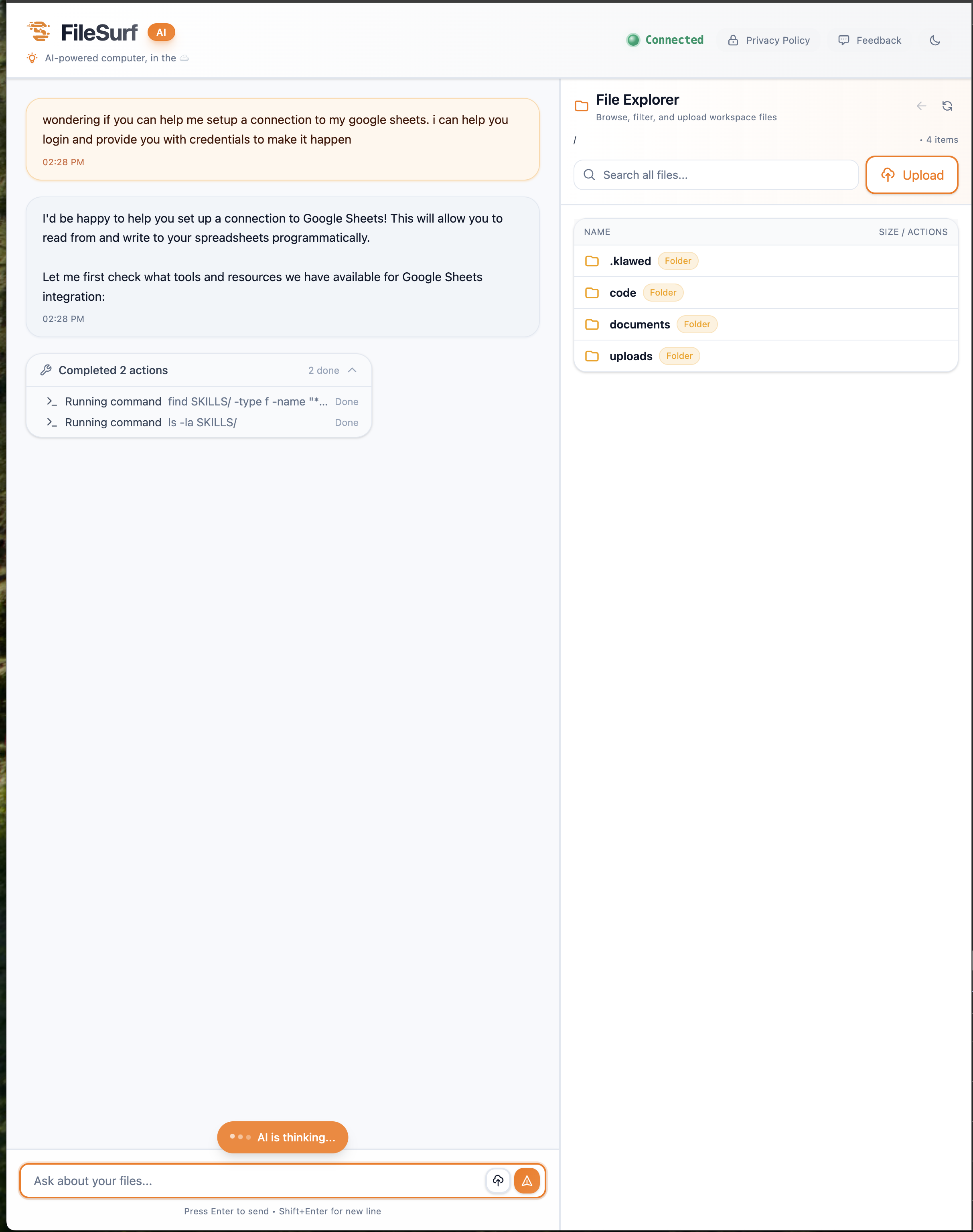
FileSurf provides a complete AI pipeline workflow platform where your data never trains external models. Design custom workflows, integrate multiple AI providers, and scale from prototype to production—all while maintaining full data privacy through self-hosting.
Common Pitfalls to Avoid
Over-Engineering
Don''t build complex orchestration for simple tasks. Start with a Python script and evolve based on real needs.
Ignoring Edge Cases
Your pipeline will encounter unexpected inputs. Design robust validation and error handling from day one.
No Testing Strategy
Test input validation, output parsing, error handling, and end-to-end workflows before production deployment.
Forgetting About Costs
A runaway AI workflow automation pipeline can cost thousands in API fees. Implement spending alerts and per-operation cost tracking.
Getting Started Checklist
- ☐ Define your use case and success metrics
- ☐ Choose appropriate AI models for your task
- ☐ Sketch your pipeline architecture with error handling
- ☐ Implement a minimal viable pipeline
- ☐ Add retry logic and monitoring
- ☐ Test with real-world data scenarios
- ☐ Deploy with safeguards and spending limits
- ☐ Iterate based on metrics and user feedback
Conclusion
AI pipeline workflows are revolutionizing business operations by automating tasks that previously required human intelligence. By following proven patterns and best practices, you can build robust, scalable intelligent automation systems that deliver measurable value.
Start with a well-defined problem, build incrementally, measure everything, and iterate based on results. The most successful AI workflow automation systems solve real problems and continuously improve through monitoring and feedback.
Ready to build your first AI pipeline workflow? Begin with a small, focused task and expand as you validate results. Your team will thank you for the time saved and insights gained.
Build AI pipelines without managing infrastructure. FileSurf provides a complete platform for designing, deploying, and scaling AI workflow automation—keeping your data private. Explore FileSurf →